



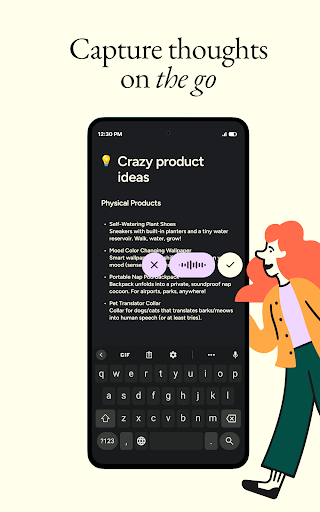

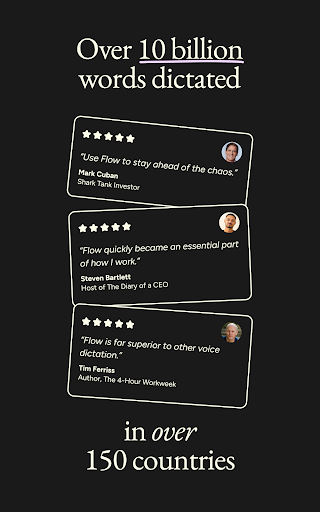
Wispr Flow: AI Voice-to-Text is an accessibility tool designed to transform spoken language into polished, formatted text across your Android device. It allows users to dictate text naturally, without needing to type, and then automatically refines the output by removing common filler words, correcting false starts, and handling punctuation and paragraph breaks in real-time. This capability ensures that the final text is ready for immediate use in various applications, from messaging to drafting emails, without requiring manual editing.
Real-time Speech Refinement
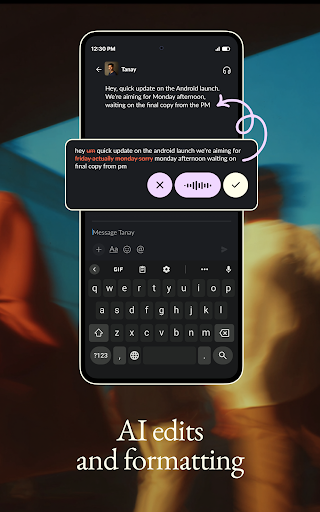
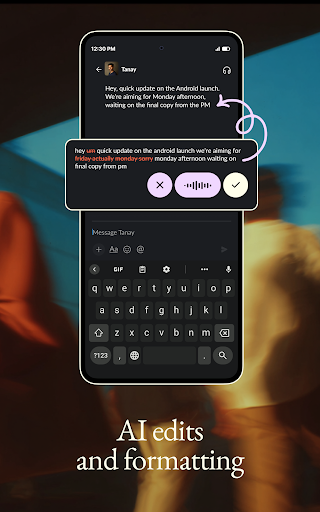
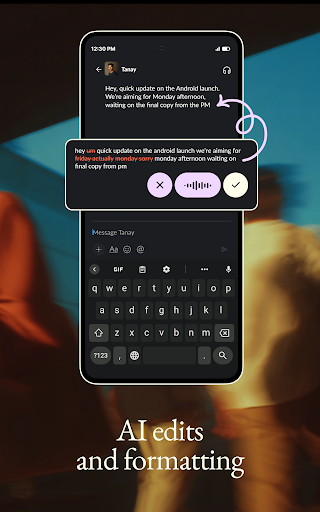
Unlike standard dictation tools, Wispr Flow is built to clean up speech as you speak. It automatically removes common filler words such as um and ah, and intelligently processes self-corrections or false starts, like turning 5 pm, no actually 6 pm into 6 pm. This feature aims to produce perfectly formatted text from natural, conversational speech, which can be particularly helpful for those experiencing pain, fatigue, or mobility challenges that make typing difficult. It also supports users with conditions such as motor impairments, Parkinson’s, arthritis, RSI, dyslexia, ADHD, stuttering, and visual impairments.
Integration Across Applications
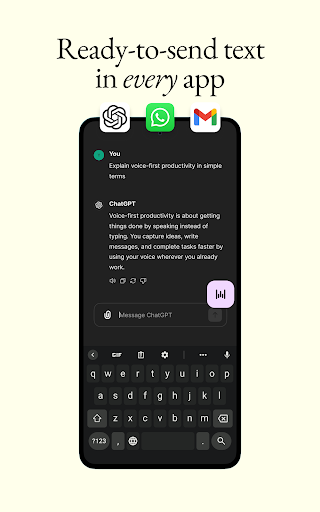
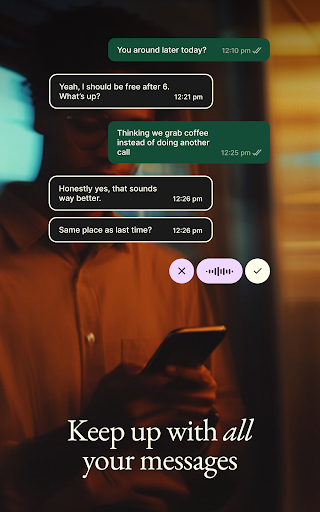
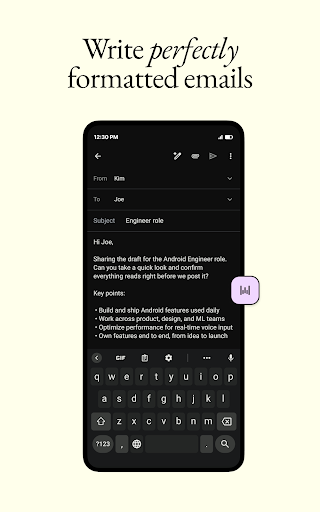
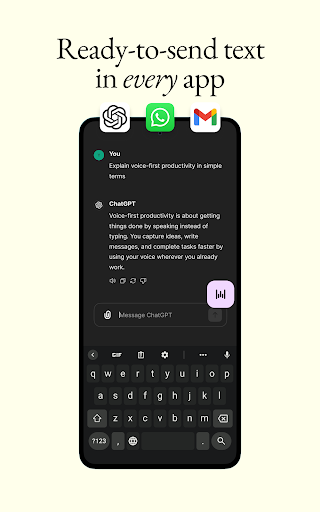
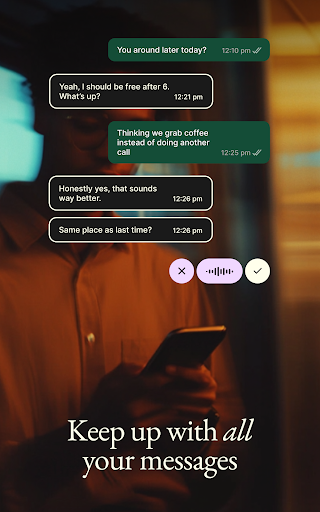
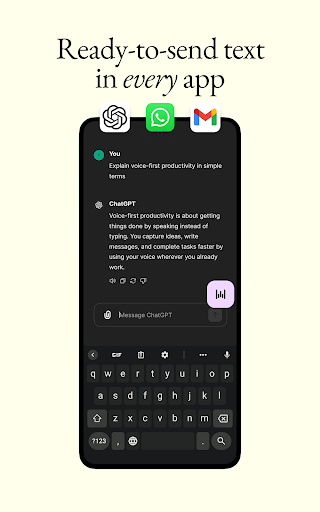
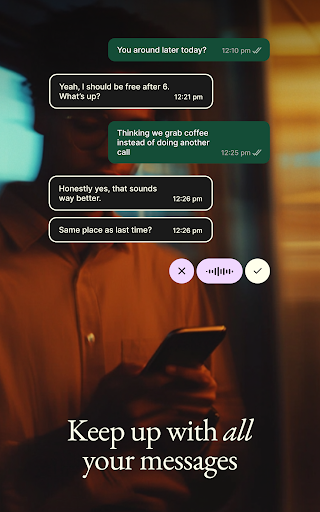
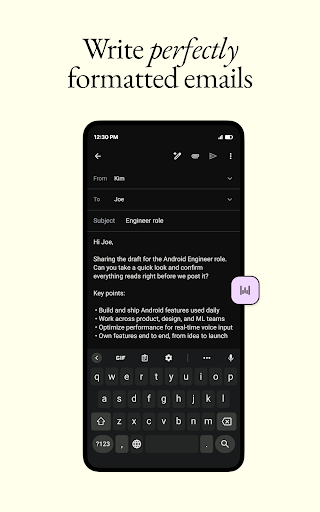
The app is designed to function within any other application on your device. This means you can use Wispr Flow to dictate messages in WhatsApp, compose emails in Gmail, draft detailed prompts for ChatGPT, or send updates in Slack and Instagram. Its ability to work universally helps streamline various communication and productivity tasks by allowing you to talk instead of type directly into the desired app.
Custom Dictionary and Multilingual Support
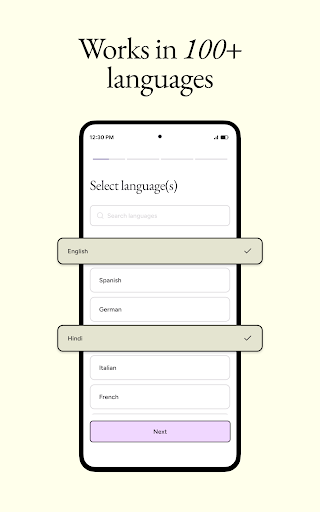
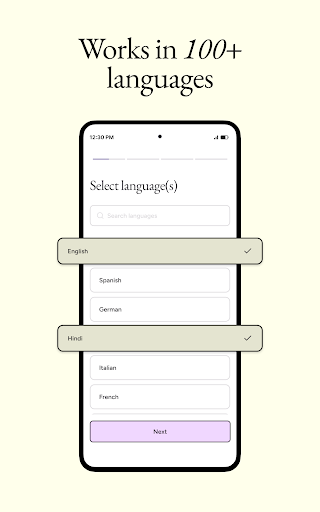
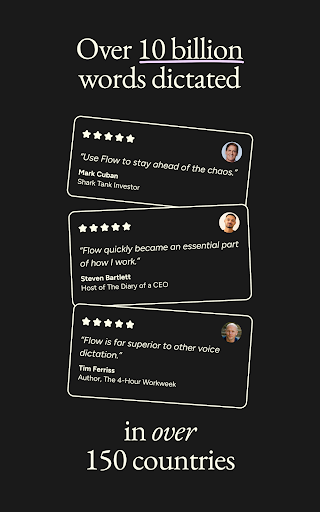
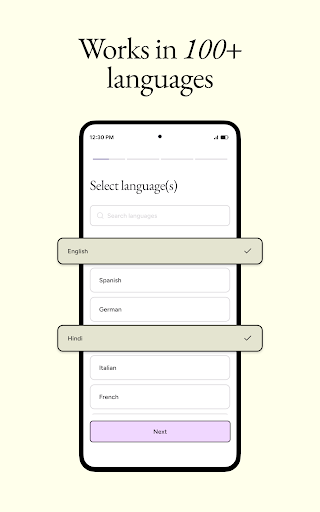
Wispr Flow includes a custom Dictionary feature where users can add unique names and uncommon terms. Once added, the app learns to spell these specific words correctly every time they are dictated. This dictionary can be searched, edited, and synced across devices. Furthermore, the app supports over 100 languages, including Español, Français, 中文, ไทย, हिन्दी, and Hinglish, enabling communication in a user’s preferred language.
Automated Formatting and Punctuation
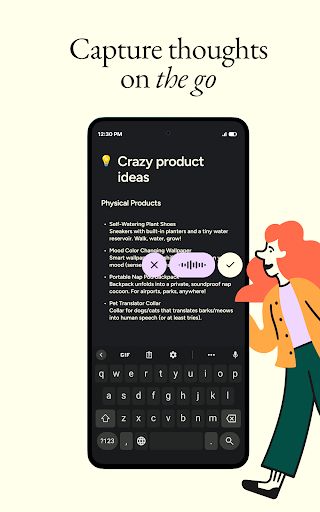
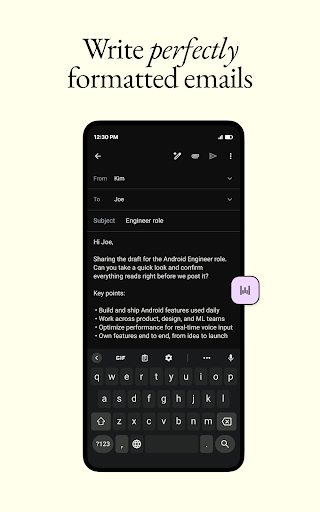
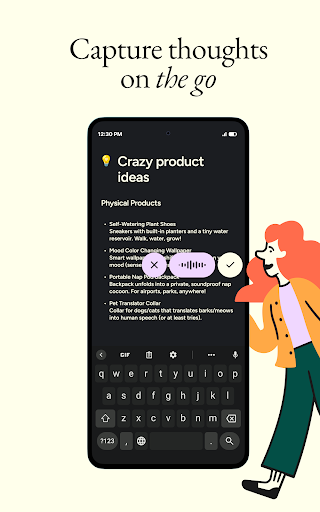
Beyond transcribing words, the app handles automatic punctuation and formatting. It intelligently inserts commas, periods, and other necessary punctuation, and can structure dictated content into paragraphs and numbered lists without requiring manual input. This automation contributes to producing ready-to-send text, whether you are texting friends or jotting down thoughts on your commute. The app maintains a lightweight background service to ensure it is instantly available whenever you need to dictate.






Write a review